


How to Set Up Cross Save: Step by Step
Cross Save is free and runs on Bungie.net. You link each platform account, then pick 1 active account. That character set loads on every linked platform.
- Open the Cross Save page at bungie.net/7/en/CrossSave and sign in with any platform account.
- Link every platform you play on:
 PlayStation,
  Xbox,
Xbox,  Steam,
  Epic Games Store or the Microsoft Store on PC. Each link must be authenticated.
 - Run the setup wizard and choose which characters become your active set.
- Confirm. The active set now loads on PlayStation, Xbox and PC alike.
- Check the links under Settings > Accounts & Linking. For Steam, compare the Steam ID number with your own.
Characters outside the active set go dormant on their platform. Cross Save does not merge characters, so pick the set with the most progress.
Some pairs share 1 account and need no Cross Save at all. Xbox consoles and the Microsoft Store on PC use the same Microsoft account. PS4 and PS5 load the same characters on 1 PlayStation account.
Link failing? Try 3 fixes. Clear cookies and cache, use an incognito window or another browser, or link through the Destiny Companion app.
What Carries Over With Cross Save
Your Guardian travels. Store purchases mostly stay where you made them.
| What | With Cross Save on |
|---|---|
| Characters, gear, vault | Follow the active account to every linked platform |
| Season Passes | Bind to the 1st account you log into after buying, at the Cross Save Ready prompt. Then they travel on the characters that redeemed them. |
| Expansions and DLC licenses | Stay on the platform you bought them on. Buy again on each platform where you want them. |
| Gear earned in an expansion | Mostly comes along. Pre-order items need that DLC on the platform you play on.  Stasis is free for every player, so it works on every platform. Stasis is free for every player, so it works on every platform. |
 Silver Silver | Spend it on the platform where you bought it. Only the active set's Silver shows. Xbox and the Microsoft Store on PC share 1 balance. |
| Clan | The active account sits in 1 clan, and clans span every platform |
| Destiny 1 | Stays on its own consoles. Cross Save covers Destiny 2 only. |
Moving to a new platform? Plan your expansion purchases there before you switch the active account. Our Destiny 2 classes guide helps if you start a fresh character on the way.
To buy everything again in 1 purchase, Destiny 2: The Collection bundles 5 expansions and 4 packs.
The base game is free on every Cross Save platform, and our free to play guide shows what costs money.
Settle in on your new platform
Cross Save moves your Guardian. These get it endgame-ready on the active account.
 Start here
Power Level Boost (300→550)
Power 300 → 550 on your active account, so the new platform starts at endgame.
 Power 550 (Endgame Cap)
- Tier 4–5 Gear Access
 Exotic Drops Along the Way
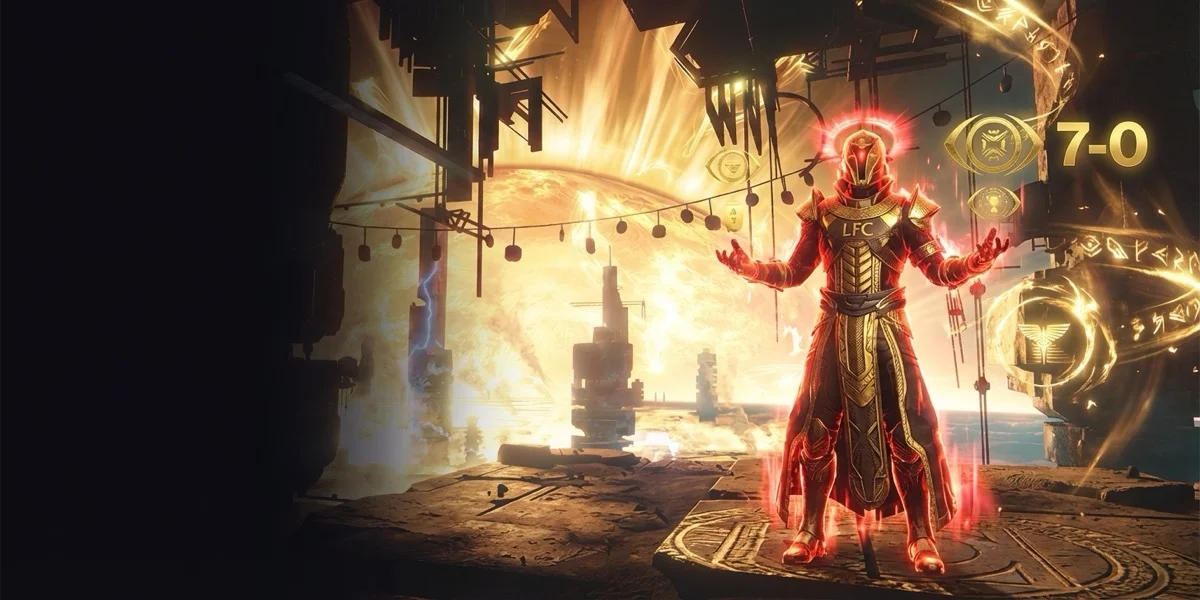 Flawless
Flawless 7-0 Passage
Trials runs with crossplay on. A 7-0 card and the Lighthouse chest on this week’s map.
 Red Trials Glow (1 Week)
 Tier 4 Weapon (Guaranteed)
 Flawless Passage Unlocked

Weekly Reset Clear (Portal + Challenges)
The Portal and every weekly challenge cleared in 1 order on the new platform.
- Week’s Power Progress
 Live Seasonal Challenges
 Raid + Dungeon + NF Clears
The 90-Day Rule and Silver
Turning Cross Save off starts a 90-day wait before you can turn it back on. Bungie makes no exceptions.
Silver locks the setup too. For 90 days after you buy or add Silver, you cannot turn Cross Save off.
Changing which accounts are linked works the same way. Turn Cross Save off, update the links, then wait out the 90 days.
- Open bungie.net/7/en/CrossSave.
- Choose View Setup.
- Choose Deactivate Cross Save. Every linked account must be authenticated 1st.
Pick the active account with care, since the next change costs 3 months.
Crossplay: Platforms and Matchmaking Pools
Crossplay arrived on August 24, 2021 with Season of the Lost. It is on by default and needs no Bungie.net account. It works apart from Cross Save, so you can use 1 without the other.
Your Bungie Name is your platform name plus a 4-digit number. Use it to add up to 200 Bungie Friends from any platform.
| Activity | Who you match with |
|---|---|
 Strikes, social spaces and other PvE Strikes, social spaces and other PvE | Players on every platform |
 Crucible and Crucible and  Gambit Gambit | 2 pools: console (PlayStation, Xbox) and PC (Steam, Epic Games Store, Microsoft Store) |
| Console player in a PC fireteam | The PC pool |
 Trials of Osiris Trials of Osiris | Needs crossplay on |
| Crossplay turned off | Only same-platform players who also turned it off |
Clans are cross-platform, so 1 clan can hold PlayStation, Xbox and PC players. Our Trials of Osiris guide covers the weekend PvP mode in full.
Find a fireteam →Crossplay opens every platform to your fireteam. Find Guardians for raids and Trials here, or bring in a PRO team.
Turn Off Crossplay, Fix CHICKPEA
- PlayStation: use the crossplay option in the Destiny 2 settings menu.
- Xbox: Settings > General > Online Safety & Family > Privacy & Online Safety > Xbox Privacy > View Details and Customize > Communication and Multiplayer.
On Xbox, set "You can join cross-network play" to Block. Set "You can communicate outside of Xbox with voice & text" to Block as well.
Error CHICKPEA appears when you turn crossplay off while in a fireteam or activity with players who have it on. Turn it back on through the same menus. On Xbox, set the 2 options to Allow and Everybody.
Xbox and Microsoft Store players cannot invite each other while crossplay is off.
Cross Save Timeline and Platforms
| Date | Change |
|---|---|
| Aug 21, 2019 | Cross Save goes live on Bungie.net |
| Oct 1, 2019 | Destiny 2 on PC moves from Battle.net to Steam |
| Dec 1, 2020 | The Battle.net to Steam account migration closes |
| Aug 24, 2021 | Crossplay goes live with Season of the Lost |
| Aug 23, 2022 | Destiny 2 arrives on the Epic Games Store |
| Jan 18, 2023 |  Stadia shuts down, and Stadia players keep their Guardians through Cross Save Stadia shuts down, and Stadia players keep their Guardians through Cross Save |
| 2026 | Cross Save covers PlayStation, Xbox, Steam, Epic Games Store and the Microsoft Store on PC |
Expansions follow the same platform rule. The LFCarry campaign runs work on any platform your active account plays on.
From the source
Official“Cross Save Guide: setup, active account, 90-day rule, Silver, Season Passes, DLC licenses.”
Official“Cross Save page and FAQ: PlayStation, Xbox, Steam and Epic.”
Official“Cross Play Guide: Bungie Name, matchmaking pools, Trials, opt-out paths, CHICKPEA.”
Official“Stadia closed on January 18, 2023. Cross Save kept Stadia Guardians.”
Official“Microsoft Store and Xbox app for PC: 1 Microsoft account with Xbox, shared Silver, Cross Save for other platforms.”
Official“Steam Guide: Destiny 2 on PC moved to Steam on October 1, 2019; Battle.net migration closed December 1, 2020.”
Official“Destiny 2 Showcase 2022 recap, Aug 23, 2022: Destiny 2 now on the Epic Games Store.”
FAQ
Ask LFCarry · free →Tell LFCarry where you play now and where you want to go. We answer with the setup order and what to buy on each side.
- Page published: Cross Save setup steps on every platform, what carries over, the 90-day rule, crossplay pools, the Xbox opt-out path, CHICKPEA and the platform timeline.