



WARDOGS helicopter controls: the default keys
A WARDOGS helicopter answers to 4 inputs. The collective sets your lift, pitch tips the nose forward or back, roll tilts the aircraft sideways and yaw swings the nose left or right.
| Input | What it does | Default key |
|---|---|---|
| Collective up | More lift: take off and climb | Left Shift |
| Collective down | Less lift: descend and land | Left Ctrl |
| Pitch | Nose down to fly forward, nose up to slow down | W / S |
| Roll | Tilt left or right | A / D |
| Yaw | Turn the nose left or right | Q / E |
| Free look | Look around without steering | Hold Alt |
Every helicopter bind sits under Rotary Vehicle in the Controls menu, so check yours there before you fly. On a controller, update 0.3.0 moved Fire (Pilot) from A to B: A now changes seat, and holding A moves you straight to the driver’s seat.
Best WARDOGS helicopter settings for mouse and keyboard
Most pilots fly with the mouse. Turn on Rotary Vehicle Mouse Control in the Controls settings, then set mouse up and down to pitch and mouse left and right to roll.
- Keys: with pitch and roll on the mouse, a common layout puts the collective on W and S and yaw on A and D. Rebind them under Rotary Vehicle.
- Invert: the air vehicle setting of Invert Y Axis is separate from the infantry setting, so set it to match how you want the nose to move.
- Sensitivity: start helicopter pitch and roll sensitivity near the middle, about 50 to 70%, and lower it if each correction overshoots. Keep the Air Vehicle Multiplier at about 1.0 or a little lower.
- Flight assists: the menu holds Stability Assist, Auto-Hover Assist, Envelope Limits and Turn Coordination. Keep Stability Assist and Auto-Hover Assist on while you learn, and switch assists off as your hover gets steady.
How to fly a WARDOGS helicopter: take-off, hover and landing
- Pick the MH-6 Littlebird. It is the small transport Littlebird, and the Firing Range lets you fly it before a live match.
- Lift off slowly. Raise the collective in small steps until the skids leave the ground, then hold a steady low hover before you touch pitch or roll.
- Move off. Ease the nose down a little to fly forward, and keep every input small until the aircraft settles.
- Turn. Yaw swings the nose; for a tighter turn, roll into it and add yaw with it.
- Slow down early. New pilots crash on landing mostly because they brake too late. Pull the nose up to shed speed well before the landing spot.
- Land level. Level the aircraft, lower the collective gradually and give it a small tap up just before touchdown. Sideways drift at touchdown can tip the helicopter over.
Once you carry a squad, landing it in the zone pays Cash on top of the ride. Where else Cash comes from is in our WARDOGS money guide.
See WARDOGS services →Helicopter coaches, PRO pilots, class levels and unlocks for Season 3 are on the WARDOGS page.
What Season 3 changed for WARDOGS helicopter pilots
- Tougher Littlebird cockpits: the pilot and co-pilot of the MH-6, AH-6R and AH-6M take less from gunfire, so they last a few more hits.
- AH-6R rockets: its pods now launch their own 70 mm rockets instead of the Havoc’s 122 mm ones. They hit vehicles and FOBs as hard as before, with a wobble in flight.
- Anti-air blind spot: the anti-air emplacement now aims no higher than 60°, down from 65°, so the space right above it grows.
- Height readout for passengers: riders see their height above the ground over the minimap. The Basic Parachute is now the emergency chute for bailing out, and it works above about 100 m.
- Cheaper airframes: an AH-6M Littlebird costs 10,480 Cash a life, down from 12,000, and a Havoc 26,000, down from 28,000. Air vehicles collect kill streak rewards again.
Every other change of the update is on our Season 3 patch notes page.
Learn to fly with a PRO coach
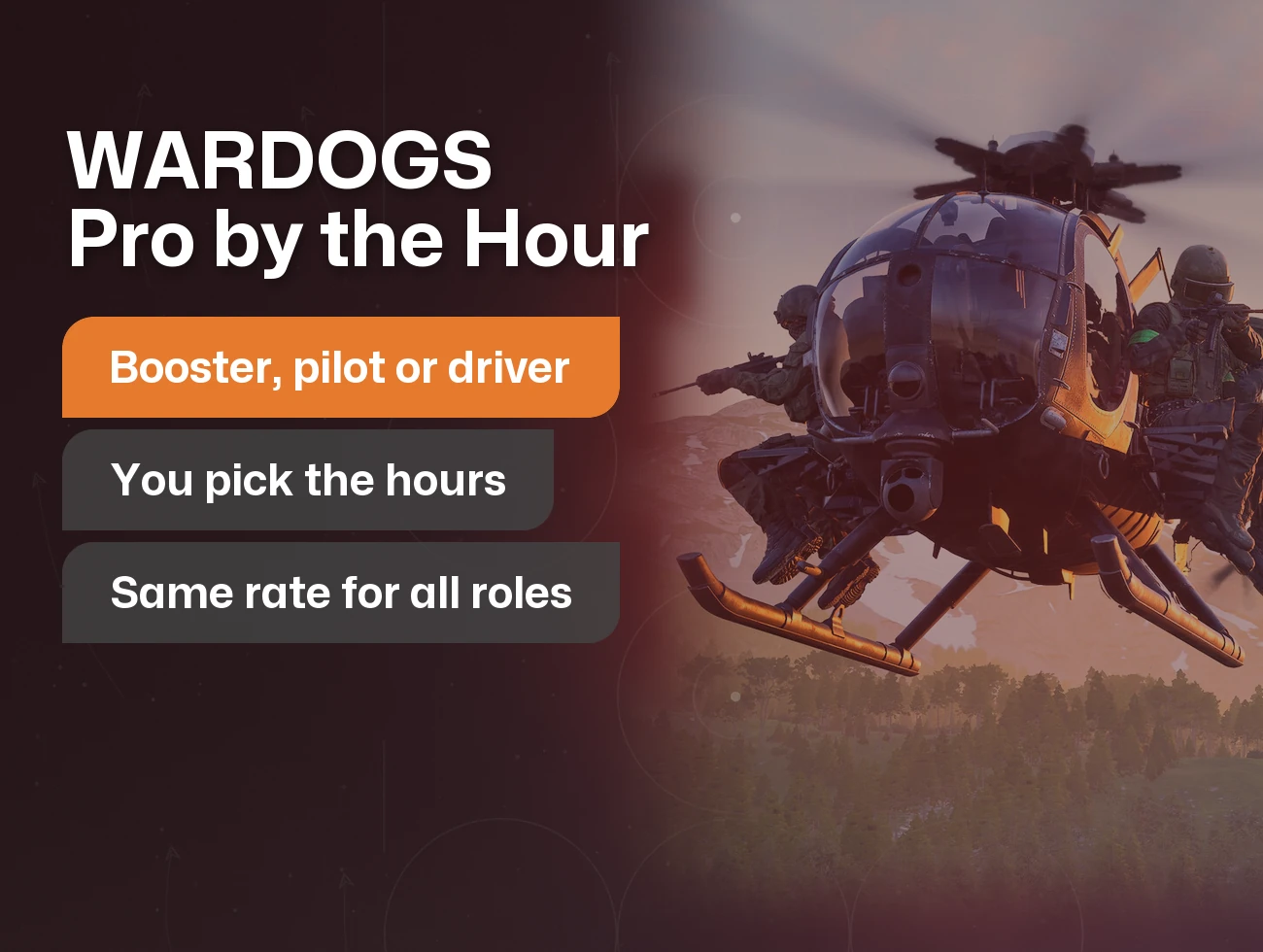
A PRO helicopter coach stays in your squad on voice while you fly and teaches controls, landings and routes. You fly your own account the whole time, booked by the hour.
Rather ride than fly? Book a PRO pilot who flies your squad into the zone. The armed helicopters open on the Pilot track: the AH-6M Littlebird at level 8, the AH-6R Littlebird at 20 and the Havoc at 35. A PRO can unlock any of them on your account. What each role track holds is in our WARDOGS classes guide.
From the source
Official“WARDOGS | Season 03 Patch Notes: MH-6, AH-6R and AH-6M Littlebird cockpit damage reduction for pilot and co-pilot (survive a few more hits); AH-6R rocket pods fire their own 70mm rockets instead of the Havoc's 122mm rockets, same damage, thrust wobble; anti-air emplacement maximum aim angle 65 to 60 degrees (bigger overhead blind spot); helicopter passengers see their height above the ground above the minimap; Basic Parachute is the emergency parachute for bailing out of helicopters, effective above about 100m; AH-6M Littlebird 12,000 to 10,480, Havoc 28,000 to 26,000; air vehicle kill streak rewards re-added; controller: Handbrake and Fire (Pilot) moved from A to B, A changes seat, A (hold) changes to the driver's seat.”
FAQ
Left Shift and Left Ctrl raise and lower the collective, W and S pitch the nose, A and D roll and Q and E yaw. Hold Alt for free look.
Turn on Rotary Vehicle Mouse Control in the Controls settings and put pitch and roll on the mouse. Many pilots then move the collective to W and S and yaw to A and D.
The MH-6 Littlebird, the small transport Littlebird. Fly it in the Firing Range before you carry a squad in a live match.
Most landing crashes come from braking too late or touching down with sideways drift. Shed speed well before the landing spot and touch down level.
In the Firing Range. You can take off, hover and land there before a live match.
Littlebird cockpits protect the crew better, the AH-6R fires its own 70 mm rockets and the AH-6M costs less per life. Passengers also see their height above the ground.
Yes. A PRO helicopter coach joins your squad on voice and teaches controls, landings and routes while you fly, booked by the hour.
Ask in chat →Tell LFCarry what goes wrong. A PRO pilot replies in chat with a fix.
- New page: WARDOGS helicopter controls, mouse settings, take-off and landing, and the Season 3 changes for pilots.